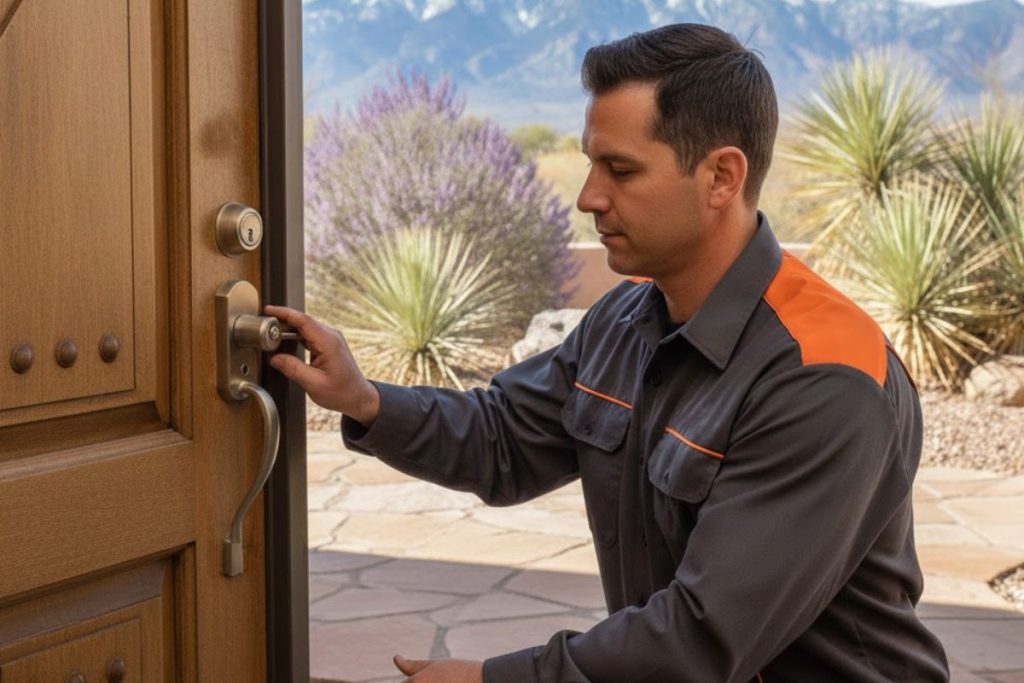
Successful smart lock installation in Tucson starts by matching the lock to your door’s backset, thickness, and existing deadbolt prep, then picking connectivity that fits your home network. Get the alignment right and the bolt throws cleanly, so the lock keeps working through years of desert heat, dust, and battery-draining temperature swings.
A smart lock looks like a simple swap in the product photos: pull the old deadbolt, drop in the new one, pair it with an app, and you are done. In practice, the doors in Tucson homes vary more than most people expect. Backsets differ, older doors were drilled to loose tolerances, and a slightly misaligned strike that a keyed deadbolt tolerated will jam a motorized bolt within a week. The convenience only shows up when the mechanical fit is correct first.
The good news is that a smart lock is very installable when you understand the few things that actually matter: the type of lock that suits your door, whether your existing hardware will accept it, how the lock talks to your phone and your Wi-Fi, and how our climate treats keypads and batteries. Sort those out and you get keyless entry, guest codes you control, and a lock log, without trading away the security of a solid deadbolt.
This guide walks through smart lock installation for homes across Tucson, from choosing a type to the maintenance that keeps it reliable. If you would rather hand the whole job to a technician, Discount Locksmith of Tucson is an insured, certified mobile shop, and our background-checked technicians handle smart and high-security lock installation on-site with upfront pricing. Let us start with the types.
Smart Lock Types That Suit Tucson Homes
Not every smart lock replaces the same part of your door, and knowing the categories saves you from buying hardware that does not fit your situation. There are four common styles, and each solves a slightly different problem:
- Keypad deadbolts replace the whole deadbolt with a unit that opens by code. No phone or key needed, which makes them the simplest entry point into keyless access.
- Full smart deadbolts add Wi-Fi or Bluetooth on top of the keypad, so you get remote locking, entry logs, and codes you manage from an app.
- Retrofit smart locks mount over your existing interior thumbturn and leave the outside of the door untouched. Your current keys still work, and the motor simply turns the bolt you already have.
- Biometric locks add a fingerprint reader for touch-to-open access, usually alongside a keypad and app as backups.
The retrofit style is worth a closer look for renters and for anyone who likes their current deadbolt. Because it only replaces the inside portion, installation is quick and reversible, and you keep the exterior hardware and keyway you already trust. Full replacement deadbolts give you the cleanest look and the most features, but they ask more of the installation, since the exterior escutcheon, bolt, and strike all have to line up correctly.
Will a Smart Lock Fit Your Door?
Before you buy anything, three measurements decide whether a given lock will fit. The backset is the distance from the edge of the door to the center of the bore hole, and it is almost always either 2-3/8 inches or 2-3/4 inches. The bore hole itself is the round cutout that holds the lock, typically 2-1/8 inches across. And the door thickness matters too, since most locks are built for doors between 1-3/8 and 1-3/4 inches and need a spacer or a different kit outside that range.
Older Tucson homes are where fit gets interesting. A door that has been rehung, sanded, or drilled by a previous owner may have an off-spec bore or a strike that no longer lines up square. A keyed deadbolt forgives a little slop because you feel the resistance and push through it, but a motorized bolt does not have hands, so it stalls, drains the battery, and reports a jam. Checking the alignment and squaring the strike is part of any proper install, and it is the same care that goes into a straightforward deadbolt and knob installation.
One more decision fits here: whether you want a single-cylinder or double-cylinder setup on a door with glass nearby. Most smart locks are single-cylinder by nature, and there are real safety and code reasons for that, which our comparison of single- versus double-cylinder deadbolts lays out before you commit.
Brands and Connectivity, Explained
A handful of brands dominate the residential market, and each has a slightly different personality. Schlage tends toward heavier, higher-grade bolts. Kwikset is common and often the most budget-friendly, with rekeyable keyways on many models. Yale leans into clean, key-free designs. August built its name on the retrofit style that mounts over your existing thumbturn. Any of them can be a good choice; the right one depends on your door, your budget, and how much you value a strong mechanical bolt versus app polish. If you want a shortlist, our roundup of the best smart locks for 2026 weighs security and features side by side.
Connectivity is the other half of the decision. Bluetooth locks talk directly to your phone within range, cost less, and sip battery, but they cannot be controlled when you are away without a bridge. Wi-Fi models connect to your home network for true remote access and notifications, at the cost of faster battery drain. Z-Wave and Zigbee locks join a smart home hub, which is the route to take if you already run a broader home automation system. For most single-door installs, a Wi-Fi or Bluetooth deadbolt covers what homeowners actually use.
Quick Diagnosis: Which Smart Lock Setup Fits Your Door?
Not sure which direction to go? Match your situation to the row below for a quick starting point before you shop or book an install.
| Your Situation | Best-Fit Lock Type | Why It Works |
|---|---|---|
| Renting or want to keep current keys | Retrofit over the thumbturn | Reversible install, exterior hardware and keyway stay as-is |
| Want codes but no app or Wi-Fi | Standalone keypad deadbolt | Simplest keyless entry, nothing to connect or update |
| Want remote lock and entry alerts | Wi-Fi smart deadbolt | Lock and monitor from anywhere, guest codes on demand |
| Already run a smart home hub | Z-Wave or Zigbee lock | Joins your existing automation without a separate app |
| Older door, off-spec bore or sticky bolt | Any lock, professional fit first | Alignment must be squared so the motor does not jam |
| Want touch-to-open convenience | Biometric deadbolt with keypad backup | Fingerprint entry, with a code as a fallback |
What Tucson’s Climate Does to Smart Locks
Southern Arizona is harder on electronics than most of the country, and smart locks are exposed right at the front door. Sun-facing entries can bake for hours, and heat that high shortens battery life and can make keypad screens sluggish or fade the printing on the buttons. Fine desert dust is the other culprit. It works into keypads, touch sensors, and the seam around the bolt, and over time it can cause a fingerprint reader to misread or a bolt to drag. A lock that drags forces the motor to work harder, which drains batteries faster and can trigger false jam alerts.
None of this makes a smart lock a bad idea here; it just means choosing hardware rated for temperature and weather and keeping it clean. Wiping the keypad and sensor and clearing grit from the bolt area goes a long way, and our walkthrough on cleaning smart lock sensors covers the routine. Planning for battery swaps before they die, rather than after a lockout, is the other habit worth building into the summer months.
Professional Installation Versus DIY
Plenty of homeowners install a smart lock themselves, and on a modern, square door with a standard bore, a retrofit or a straightforward keypad swap is a reasonable weekend project. Where DIY runs into trouble is exactly where Tucson doors tend to be tricky: an off-spec backset, a bore that is slightly out of round, a strike that never quite lined up, or a solid door that needs careful boring you do not want to get wrong. A motorized bolt is far less forgiving of these than a keyed one, and a lock that jams intermittently is worse than the old deadbolt you replaced.
A technician sets the backset, squares the strike, adjusts the bolt throw, and confirms the motor drives cleanly before leaving, so the convenience actually holds up. It is also a chance to look at the door as a whole and to pair the smart lock with a strong mechanical bolt, since an electronic lock is only as secure as the deadbolt underneath it. If security is a priority, our overview of what a high-security deadbolt adds explains why the bolt grade still matters even on a smart lock. You can also fold the work into broader lock upgrade and maintenance if other doors need attention, or browse the full range of our residential locksmith services to bundle it into one visit.
Keeping a Smart Lock Reliable
A smart lock rewards a little upkeep. Change the batteries on a schedule instead of waiting for the low-battery warning, and keep a physical key or a backup code available for the day the electronics act up. Wipe the keypad and any fingerprint sensor to clear dust, keep the app and firmware current so security patches stay in place, and check the bolt now and then to make sure it still throws its full length without dragging. These habits take minutes and head off the two failures homeowners hit most: a dead battery at an inconvenient moment and a slowly stiffening bolt from accumulated grit.
Frequently Asked Questions
Can I install a smart lock on my existing door?
Do smart locks work without Wi-Fi?
How long do smart lock batteries last in Tucson heat?
Are smart locks secure enough for a front door?
What happens if the battery dies while I am out?
Should I install it myself or hire a locksmith?
Making the Right Call
Choosing a smart lock comes down to a few honest questions: what type suits your door and your habits, whether your existing hardware will accept it, how you want it to connect, and whether you would rather fit it yourself or have it dialed in by a technician. Start with the type and the measurements, pick connectivity that matches how you actually live, and give the install the same care a keyed deadbolt deserves, because a motorized bolt is less forgiving of a crooked strike. Do that, and a smart lock delivers real, lasting convenience even in our climate.
Discount Locksmith of Tucson is an insured, certified mobile shop, and our background-checked technicians install and service smart and high-security locks on-site with upfront pricing, every day from 6:00 AM to 9:30 PM. We work throughout Tucson and nearby communities including Oro Valley, Marana, Sahuarita, and the Catalina Foothills. You can learn more about our local team, see the full list of services we offer, or read about the residential lock work we do around Tucson.
Ready to add a smart lock the right way? Call (520) 994-8773 for upfront pricing, reach out through our contact page to book an install, or find Discount Locksmith of Tucson on the map. Start from the Discount Locksmith of Tucson home page to see everything we cover across the area.